Waiting
Analyzing image…
No clear canvas background was found. The SVG was left unchanged.
Advanced settings
Processed resolutionSSIMSSIM Regret
Free browser-based SVG vectorizer
Trace a JPG into filled SVG regions with Laser Engraving already selected. Inspect compression marks, solid areas, and physical size before using it in laser software.
PNG, JPG/JPEG, WebP, AVIF, or BMP · up to 100 images · 5 MB each
Preparing vectorizer…
Step 2
We’ll adapt tracing, scoring, cleanup, and SVG preparation automatically.
If the conversion process seems to stop or hang, keep at least one pixel of this browser tab visible on your screen so your browser does not background it and keeps the conversion process running.
With Chrome, having the converter as a background tab stops the conversion process. Having it as the main tab in a background window seems to keep the process going.
Analyzing image…
No clear canvas background was found. The SVG was left unchanged.
JPG-to-SVG tracing produces vector shapes from visible tones. The Laser Engraving preset favors filled regions, not centerlines or raster photo dithering; the output still needs a real machine test.
JPEG compression can create edge halos and small islands that become engraving geometry. Start with the cleanest JPG available and review the preview at high zoom.
A photo with gradual shading may become many paths. For tonal photo engraving, a raster preparation workflow may suit the machine better than filled vector regions.
VectorizeThis does not choose laser speed, power, material, or kerf. Set those in your machine software after inspecting the SVG.
Fabrication output retains physical dimensions and geometry checks with SVGO disabled. Laser Engraving compares the reviewed monochrome methods or relevant color palettes. Color sources can offer a palette step followed by SVG choices; this remains filled-region tracing, not centerline tracing or a photo-dithering workflow. Alerts remain visible. Download anyway requires explicit confirmation for the current output; changing its settings requires confirmation again if alerts remain. This does not certify machine, importer or material compatibility.
A low-resolution warning appears when both source dimensions are below 256 px. Enlargement during tracing cannot restore missing source detail.
See the settings reference for threshold, smoothing, circles, cropping and source-aligned zoom.
Select or drag up to 100 JPG images into the converter. Each file may be up to 5 MB and is processed in your browser.
The Laser Engraving use case is already selected. Compare the original with the generated SVG and adjust relevant controls if needed.
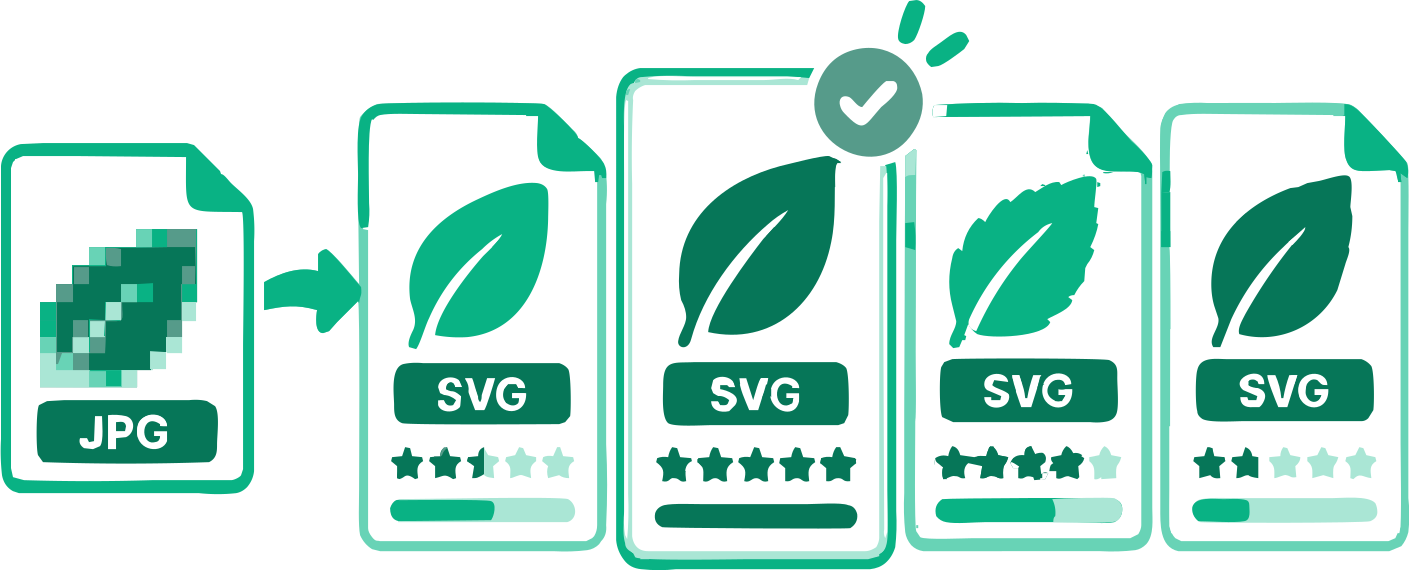
When offered, choose a color palette and then an SVG result; single choices skip those steps. Compare the previews, adjust relevant settings, and download one SVG or the completed batch.
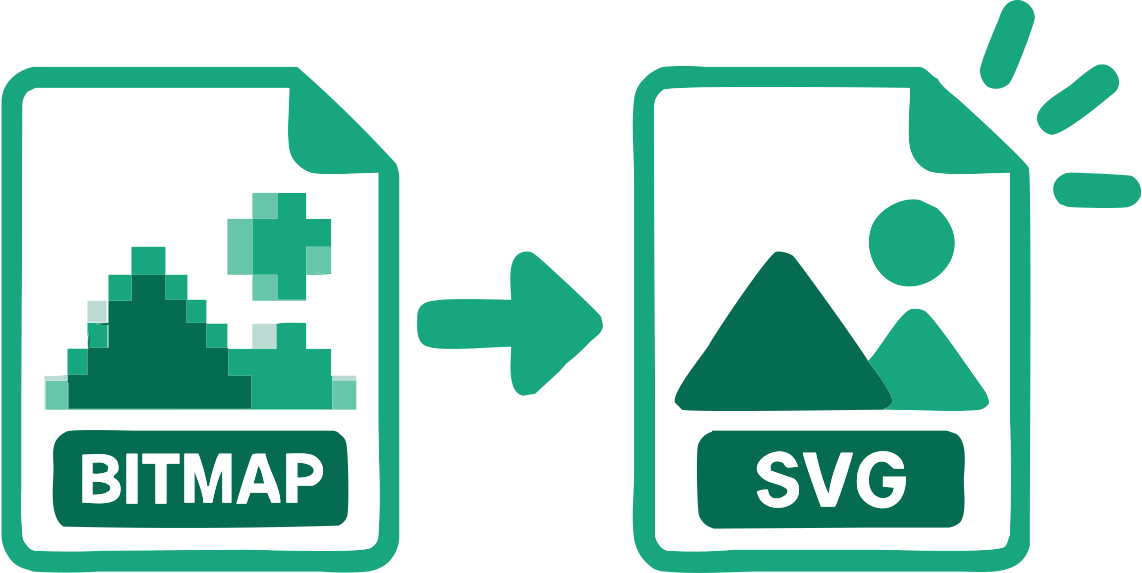
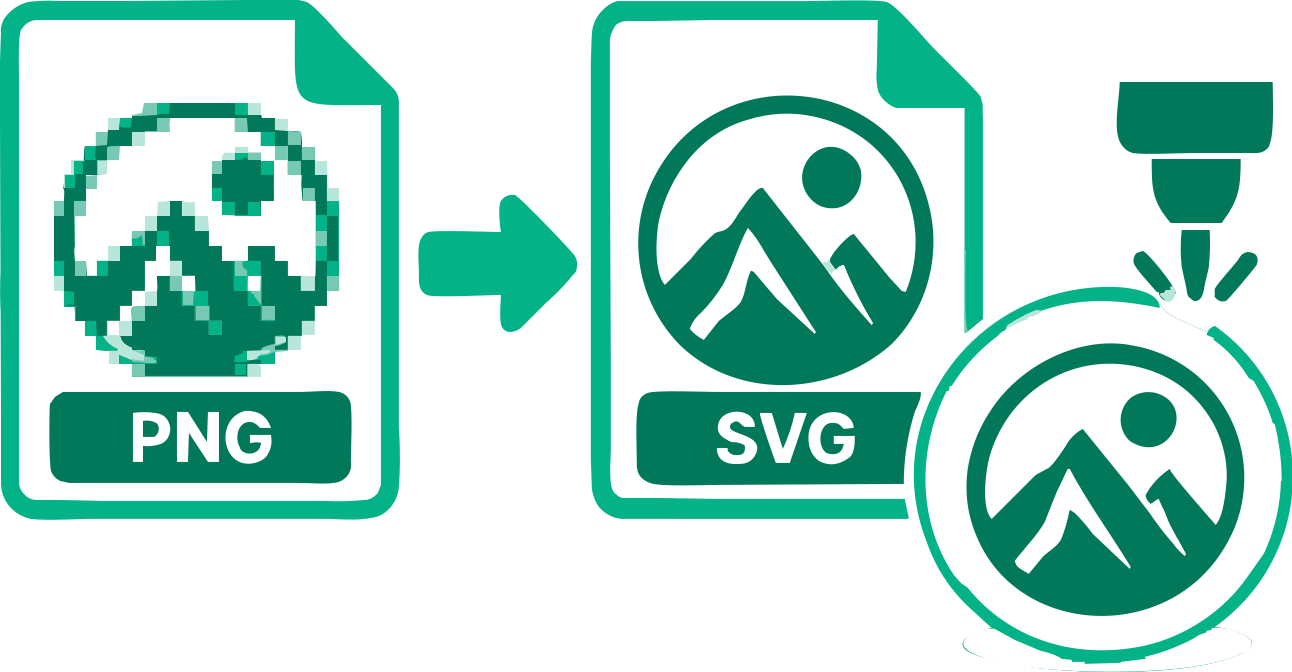
The file contains reconstructed SVG geometry rather than the original bitmap embedded inside an SVG wrapper.
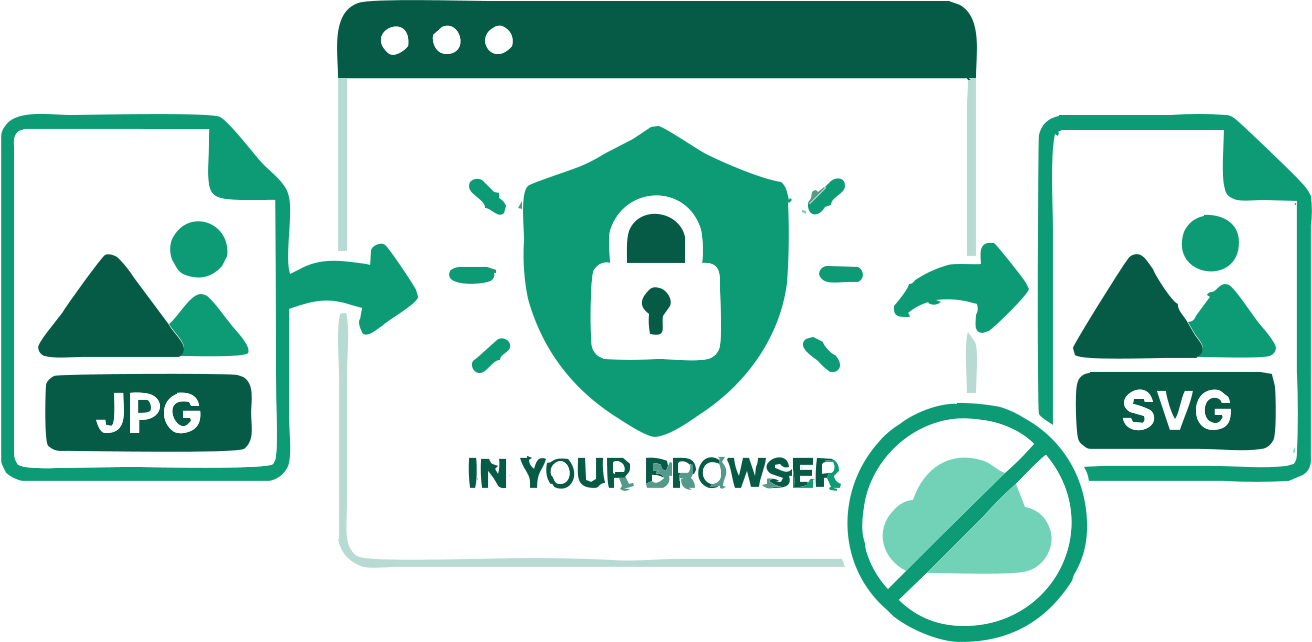
The source images remain in your browser during vectorization.
Monochrome artwork compares six reviewed methods. Color artwork can offer up to four relevant palettes, with distinct SVG results to compare. Photo and Complex Illustration use their dedicated automatic search.
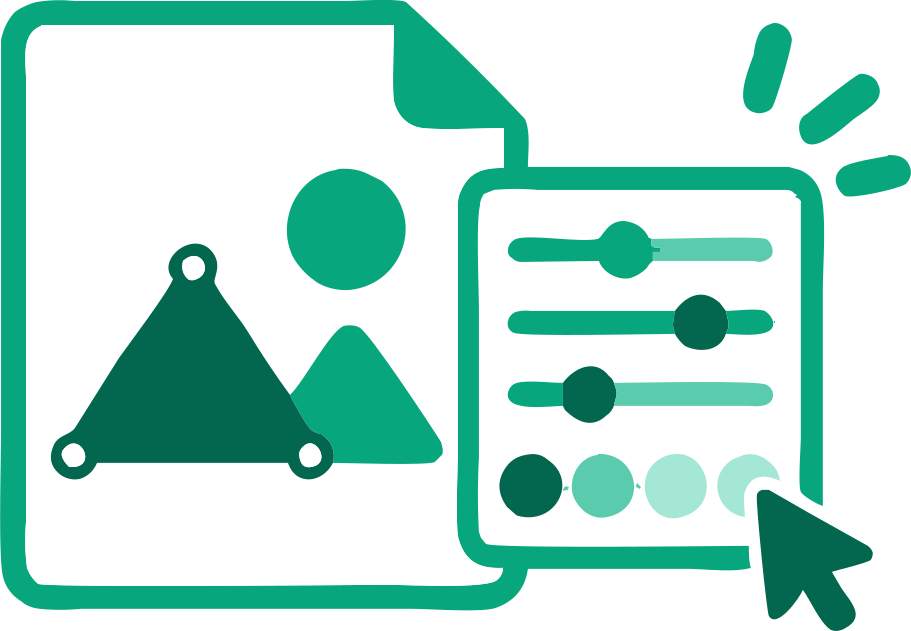
Adjust tracing and physical dimensions while reviewing geometry checks. SVGO optimization is disabled for fabrication; inspect the file in your intended cutting or engraving software.
A suitable outer background can be detected and removed when needed.
Process several images, check each result, and download the completed SVGs together.
Practical answers about tracing, image quality, SVG paths, and downloading the result.
Add a JPG above. Laser Engraving is preselected; inspect the filled SVG regions, then download and test them in your machine software.
No. The Laser Engraving preset traces filled regions rather than generating centerlines from JPG strokes.
Yes. VectorizeThis reconstructs visible image regions as SVG paths rather than embedding the source bitmap.
Yes. Blocks and halos may become unwanted islands or rough edges. A less compressed source is usually easier to trace.
Not always. Detailed tone can produce many filled paths; raster or dithered engraving may better match a photographic goal.
No. Import interpretation, material, power, and speed require inspection and a physical test.
Yes. You can use the converter and download the SVG without an account or payment.
Conversion happens locally. An image is sent only if you deliberately attach it to a feedback form and submit it.
Yes. Adjust the available tracing settings and physical dimensions, then continue editing the downloaded paths in compatible vector software. Fabrication results do not offer the on-page palette editor.
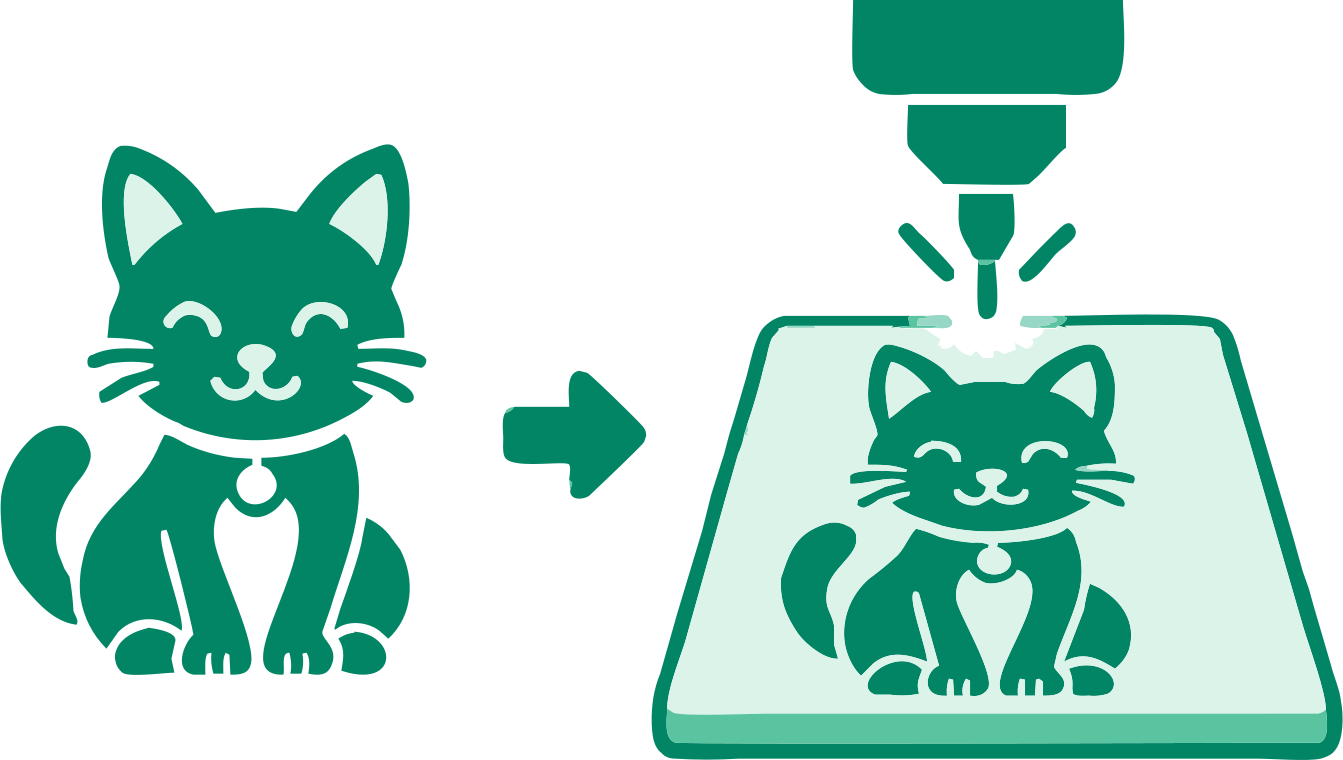
Trace a logo or stamp into filled engraving regions.
Inspect counters and tiny details before engraving.
Prepare solid graphic shapes for your laser workflow.
17 converters
Choose a converter for your image format or workflow. Every tool creates editable SVG paths in your browser.
Add an image above and inspect the traced SVG before downloading.
Convert JPG to SVG for Laser Engraving