Waiting
Analyzing image…
No clear canvas background was found. The SVG was left unchanged.
Advanced settings
Processed resolutionSSIMSSIM Regret
Free browser-based vectorizer
Turn a `.jpg` pixel image into SVG vector paths. VectorizeThis compares multiple candidates and gives you SVG output rather than promising vector formats it does not export.
PNG, JPG/JPEG, WebP, AVIF, or BMP · up to 100 images · 5 MB each
Preparing vectorizer…
Step 2
We’ll adapt tracing, scoring, cleanup, and SVG preparation automatically.
If the conversion process seems to stop or hang, keep at least one pixel of this browser tab visible on your screen so your browser does not background it and keeps the conversion process running.
With Chrome, having the converter as a background tab stops the conversion process. Having it as the main tab in a background window seems to keep the process going.
Analyzing image…
No clear canvas background was found. The SVG was left unchanged.
JPG-to-vector tracing reconstructs visible regions as shapes and curves. VectorizeThis outputs SVG, a vector format; it does not export EPS, AI, PDF, or DXF.
Blocks, halos, and color shifts near sharp edges may be subtle in the image but turn into small paths. Use the cleanest and largest JPG available and compare fewer colors when needed.
JPG was built for continuous-tone imagery, but it is also used for flattened logos and drawings. Choose Photo for tonal detail or Logo for clearer flat regions.
A .jpg does not contain original curves, text objects, or layers. Tracing estimates them from pixels, so inspect lettering and fine outlines before reuse.
For flat JPG artwork in Web or Logo, compare the relevant palettes, then the SVG options for your chosen color count. Only supported palettes are offered, and a step is skipped when it has a single choice. Photo and Complex Illustration use their dedicated automatic search.
Single-color marks on white can use the reviewed monochrome methods and an adjustable Threshold. If both source dimensions are below 256 px, a warning flags the limited detail; tracing cannot recover information absent from the JPG.
Select or drag up to 100 JPG files. Each file can be up to 5 MB and is processed in your browser.
Select Web, Logo, Photo, Cricut, laser cutting, or another use case. The choice changes which tracing candidates are tested and how the result is checked.
When offered, choose a color palette and then an SVG result; single choices skip those steps. Compare the previews, adjust relevant settings, and download one SVG or the completed batch.
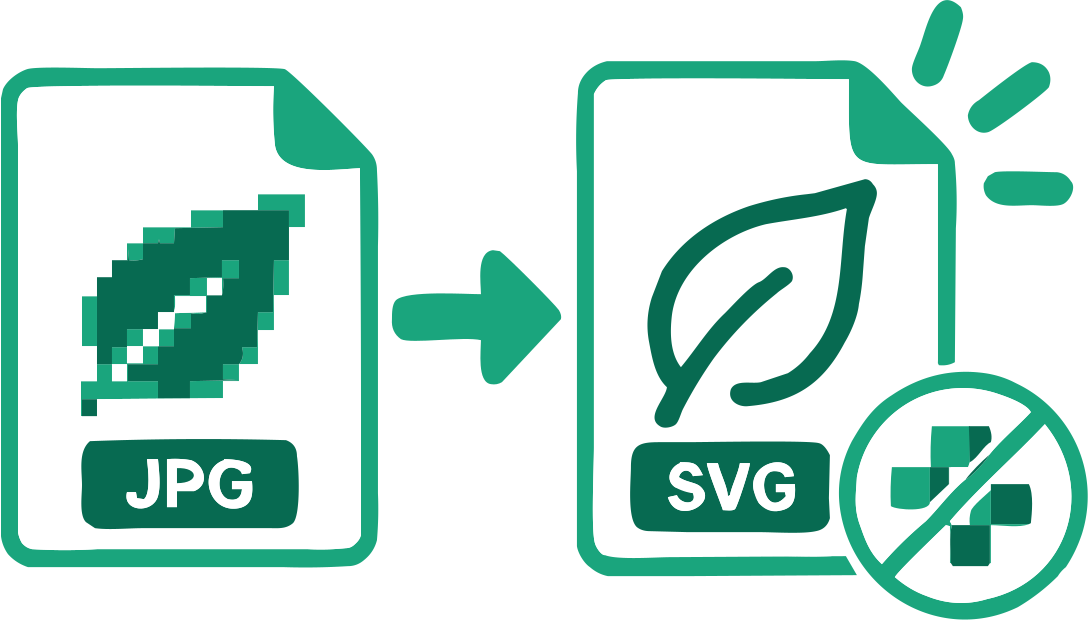
The result contains traced geometry instead of the original bitmap placed inside an SVG wrapper.
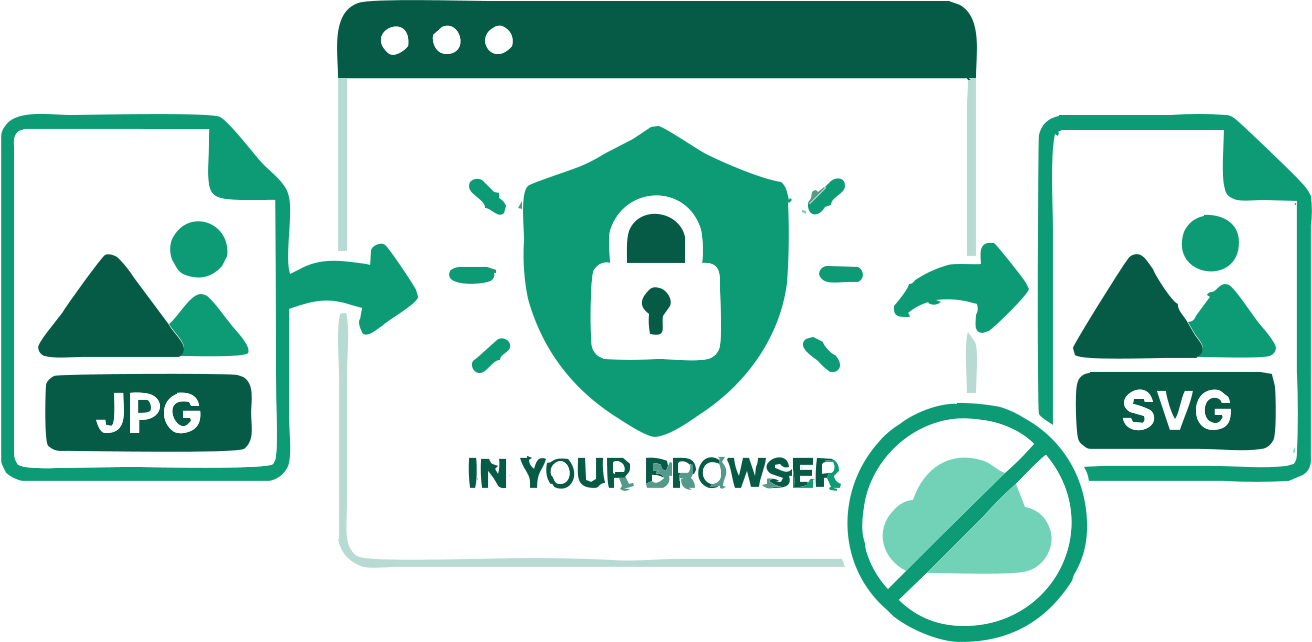
Conversion runs on your device; source images are not uploaded during vectorization.
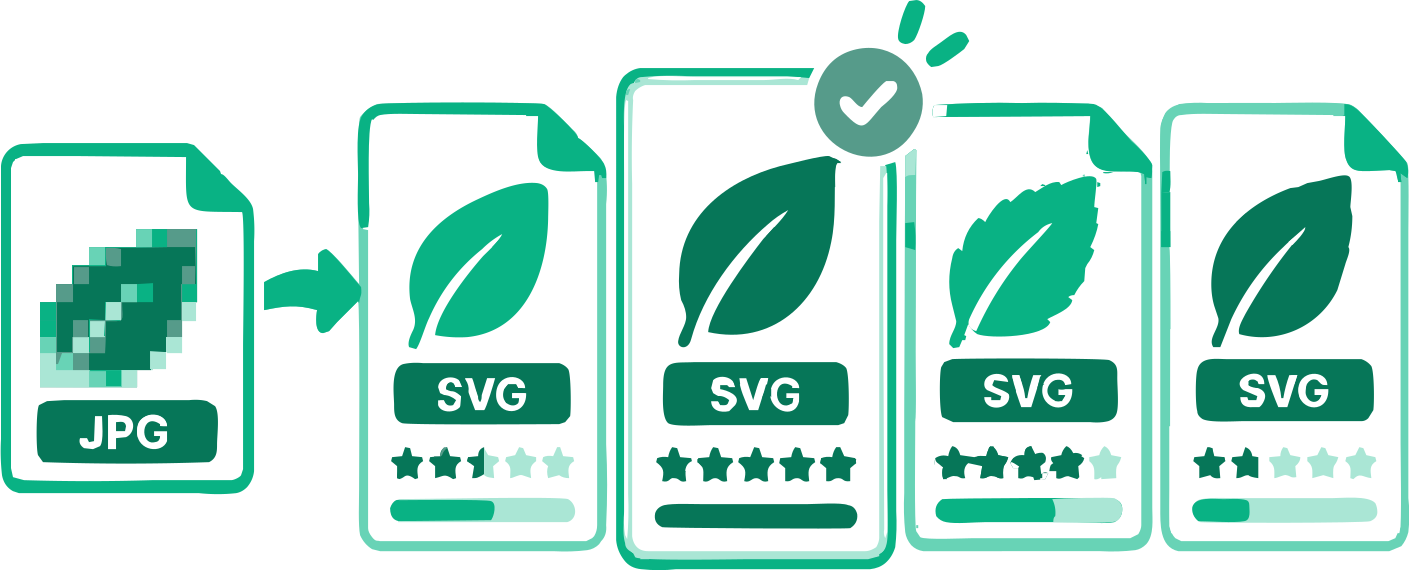
Monochrome artwork compares six reviewed methods. Color artwork can offer up to four relevant palettes, with distinct SVG results to compare. Photo and Complex Illustration use their dedicated automatic search.
When applicable, you can change the traced palette and rerun the result without starting over.
A uniform connected background can be detected and removed while you review the result.
Process several images, adjust them separately or in bulk, and download completed SVGs together.
Answers about real vector tracing, source quality, editing, and local browser processing.
Add a JPG above, choose its intended use, and let VectorizeThis compare suitable traces. The downloadable result is an SVG made from vector paths.
Yes. You can trace supported JPG images and download the SVG without an account or payment.
Yes. VectorizeThis reconstructs visible regions as SVG paths rather than embedding the JPG.
VectorizeThis exports SVG. It does not create EPS, AI, vector PDF, or DXF files.
Yes. Block edges, ringing, and small color shifts can become extra shapes. A cleaner or less compressed source usually produces simpler paths.
A photo can be traced, but detailed shading often needs many paths. Use the Photo setting and expect a stylized approximation rather than a compact logo-like file.
JPG logos, line art, silhouettes, and flat illustrations with strong edges usually trace more cleanly than textured photographs.
The vectorization runs locally in your browser. An image is sent only if you explicitly attach it to a feedback form and submit that form.
Yes. You can recolor available swatches, copy the SVG markup, or open the downloaded paths in compatible vector software.
Turn strong ink boundaries into editable curves.
Recover scalable shapes when the original artwork is unavailable.
Prepare geometry for a supported fabrication workflow and inspect its warnings.
17 converters
Choose a converter for your image format or workflow. Every tool creates editable SVG paths in your browser.
Add your source image, choose the intended use, and compare the generated vector before downloading.
JPG to Vector Converter