Waiting
Analyzing image…
No clear canvas background was found. The SVG was left unchanged.
Advanced settings
Processed resolutionSSIMSSIM Regret
Free browser-based SVG vectorizer
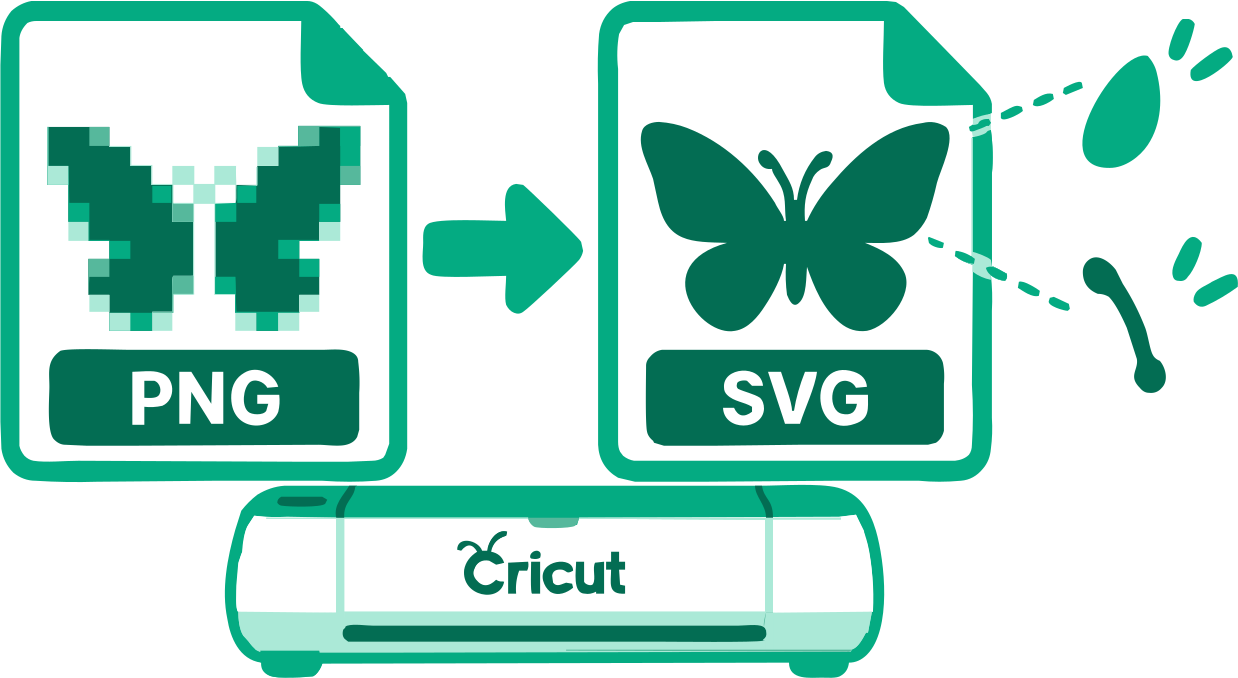
Trace PNG artwork into SVG paths with the Cricut use case already selected. Inspect shapes, gaps, and sizing before importing the file into your cutting workflow.
PNG, JPG/JPEG, WebP, AVIF, or BMP · up to 100 images · 5 MB each
Preparing vectorizer…
Step 2
We’ll adapt tracing, scoring, cleanup, and SVG preparation automatically.
If the conversion process seems to stop or hang, keep at least one pixel of this browser tab visible on your screen so your browser does not background it and keeps the conversion process running.
With Chrome, having the converter as a background tab stops the conversion process. Having it as the main tab in a background window seems to keep the process going.
Analyzing image…
No clear canvas background was found. The SVG was left unchanged.
PNG pixels do not provide editable vector geometry. VectorizeThis traces the visible artwork into SVG paths and applies Cricut-oriented checks, but the final cut still needs review in your software and on your material.
Choose a clean, high-resolution PNG with clear shapes. Tiny details, soft shadows, and noise can create cuts that are hard to weed or import.
A transparent background helps isolate the artwork. If the PNG has a solid canvas, inspect background removal carefully before using the SVG as a cut design.
The SVG is not a machine-certified cut file. Set dimensions, operation type, and material options in your cutting software, then test the result.
Fabrication output retains physical dimensions and geometry checks with SVGO disabled. Cricut compares the reviewed monochrome methods or relevant color palettes, depending on the source. For color results, compare SVG options within the chosen palette before setting physical dimensions. Alerts remain visible. Download anyway requires explicit confirmation for the current output; changing its settings requires confirmation again if alerts remain. This does not certify machine, importer or material compatibility.
A low-resolution warning appears when both source dimensions are below 256 px. Enlargement during tracing cannot restore missing source detail.
See the settings reference for threshold, smoothing, circles, cropping and source-aligned zoom.
Select or drag up to 100 PNG images into the converter. Each file may be up to 5 MB and is processed in your browser.
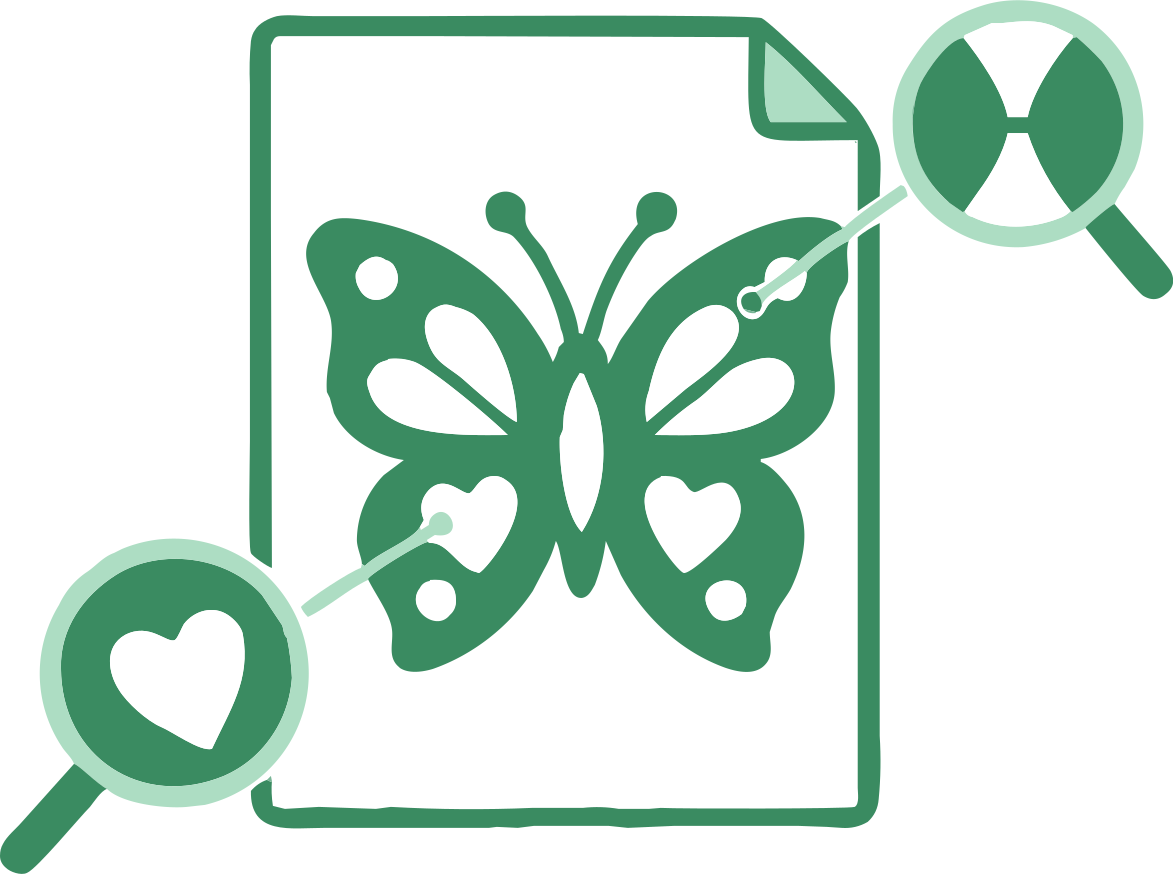
The Cricut use case is already selected. Compare the original with the generated SVG and adjust relevant controls if needed.
When offered, choose a color palette and then an SVG result; single choices skip those steps. Compare the previews, adjust relevant settings, and download one SVG or the completed batch.
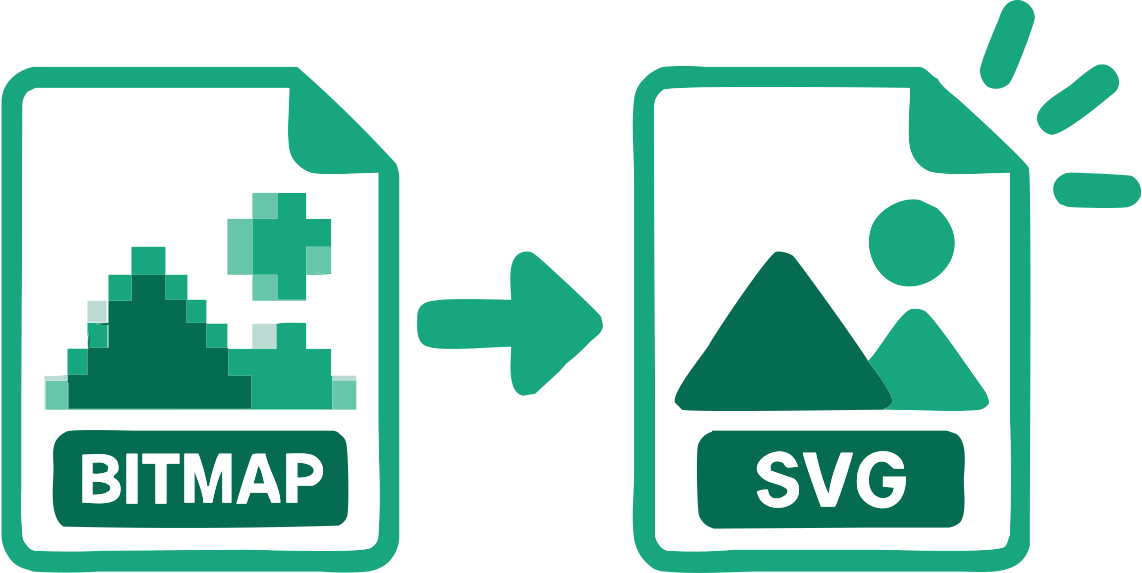
The file contains reconstructed SVG geometry rather than the original bitmap embedded inside an SVG wrapper.
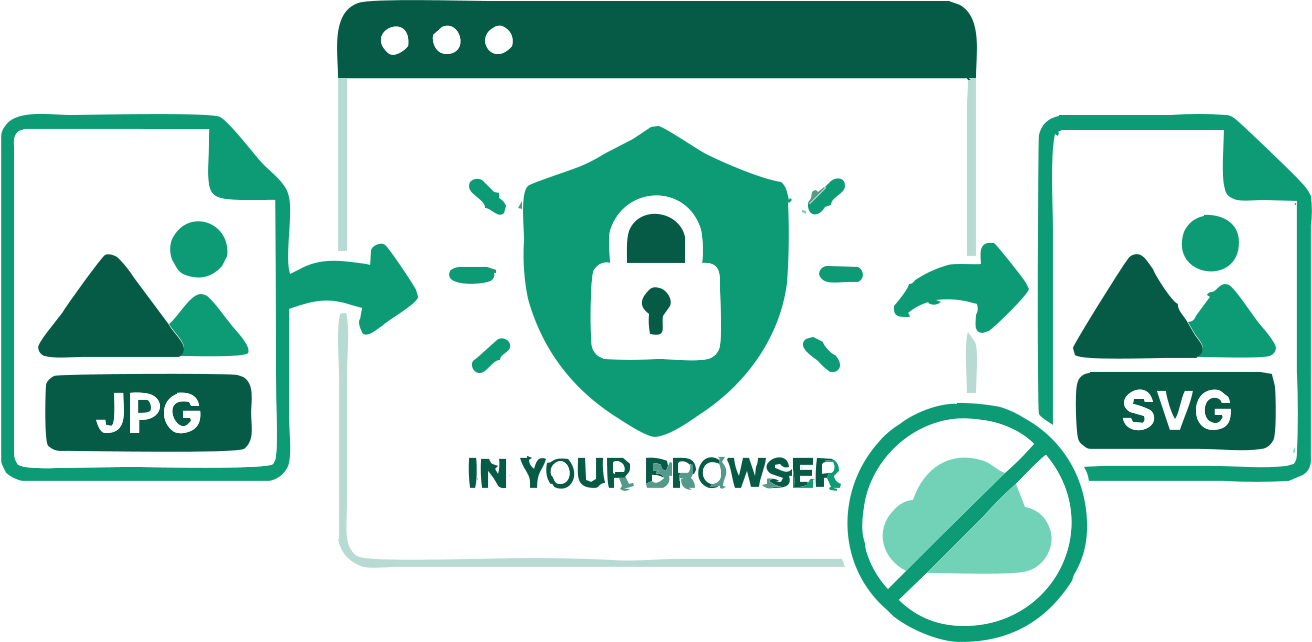
The source images remain in your browser during vectorization.
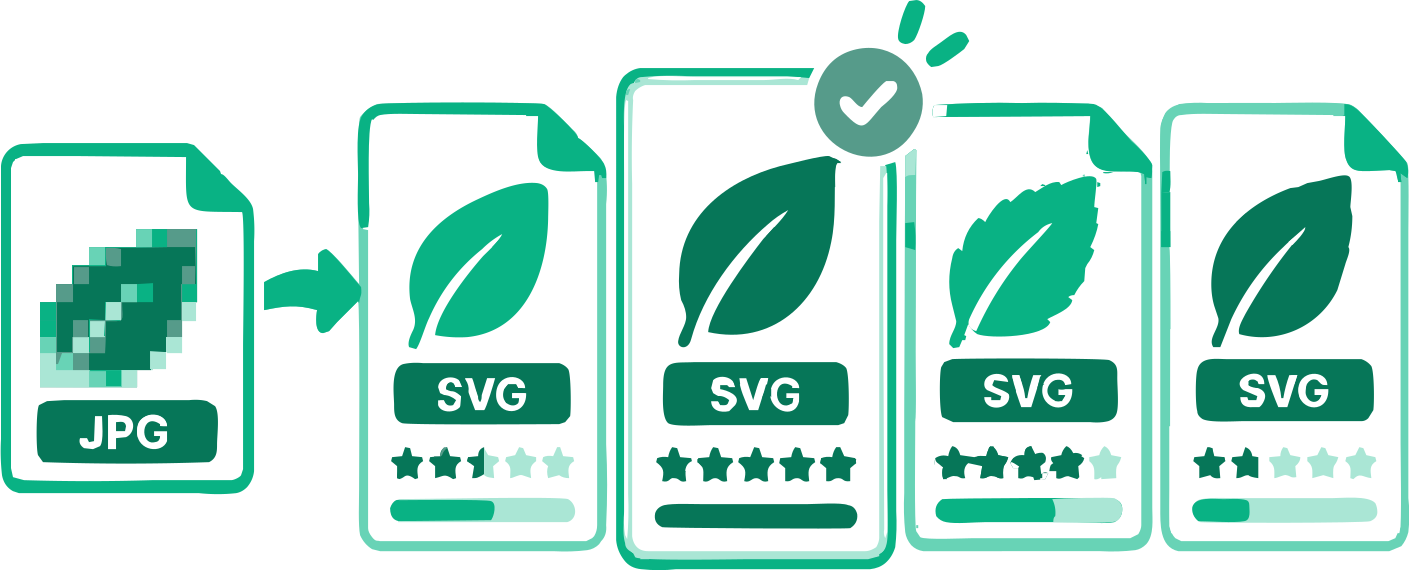
Monochrome artwork compares six reviewed methods. Color artwork can offer up to four relevant palettes, with distinct SVG results to compare. Photo and Complex Illustration use their dedicated automatic search.
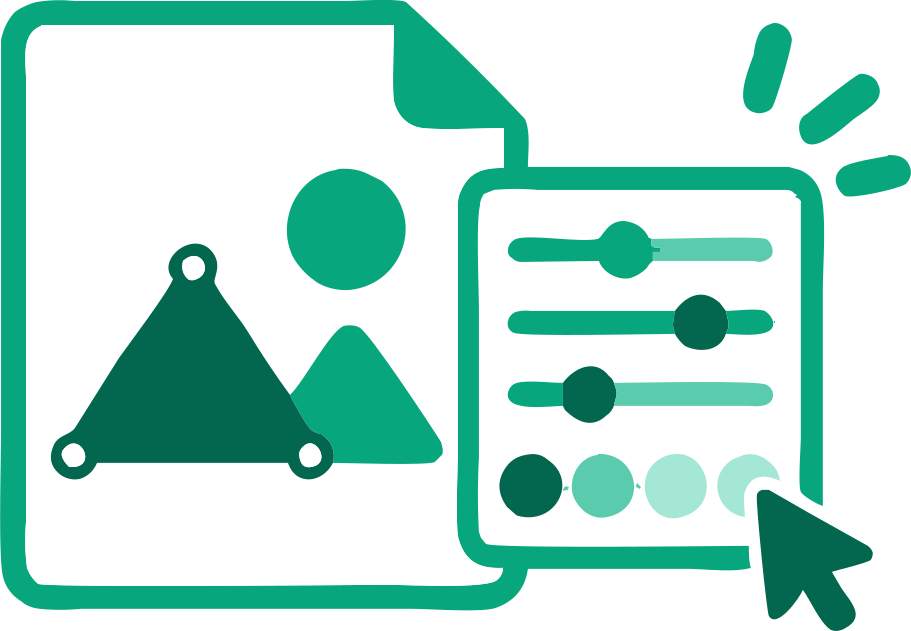
Adjust tracing and physical dimensions while reviewing geometry checks. SVGO optimization is disabled for fabrication; inspect the file in your intended cutting or engraving software.
A suitable outer background can be detected and removed when needed.
Process several images, check each result, and download the completed SVGs together.
Practical answers about tracing, image quality, SVG paths, and downloading the result.
Add a PNG above. Cricut is preselected; inspect the traced SVG, correct relevant issues, and download it for review in your cutting software.
Yes. You can trace a supported PNG and download the SVG without an account or payment.
Yes. VectorizeThis reconstructs visible image regions as SVG paths rather than embedding the source bitmap.
It contains real SVG path geometry. Inspect closed regions and importer behavior before assuming every path is suitable for a cut.
Often. Transparency can distinguish the subject from its canvas, but thin details and antialiased edges still need inspection.
No. Software imports and material settings vary; test the SVG in your own workflow before production.
Yes. You can use the converter and download the SVG without an account or payment.
Conversion happens locally. An image is sent only if you deliberately attach it to a feedback form and submit it.
Yes. Adjust the available tracing settings and physical dimensions, then continue editing the downloaded paths in compatible vector software. Fabrication results do not offer the on-page palette editor.
Trace clear silhouettes and inspect small detached pieces.
Review internal holes and narrow bridges before cutting.
Inspect each color region and separate operations in the target software.
17 converters
Choose a converter for your image format or workflow. Every tool creates editable SVG paths in your browser.
Add an image above and inspect the traced SVG before downloading.
Convert PNG to SVG for Cricut