Waiting
Analyzing image…
No clear canvas background was found. The SVG was left unchanged.
Advanced settings
Processed resolutionSSIMSSIM Regret
Free browser-based SVG vectorizer
Turn a raster logo into editable SVG shapes for websites, signs, or brand assets. Logo mode is selected for you; you can change it if the source needs another treatment.
PNG, JPG/JPEG, WebP, AVIF, or BMP · up to 100 images · 5 MB each
Preparing vectorizer…
Step 2
We’ll adapt tracing, scoring, cleanup, and SVG preparation automatically.
If the conversion process seems to stop or hang, keep at least one pixel of this browser tab visible on your screen so your browser does not background it and keeps the conversion process running.
With Chrome, having the converter as a background tab stops the conversion process. Having it as the main tab in a background window seems to keep the process going.
Analyzing image…
No clear canvas background was found. The SVG was left unchanged.
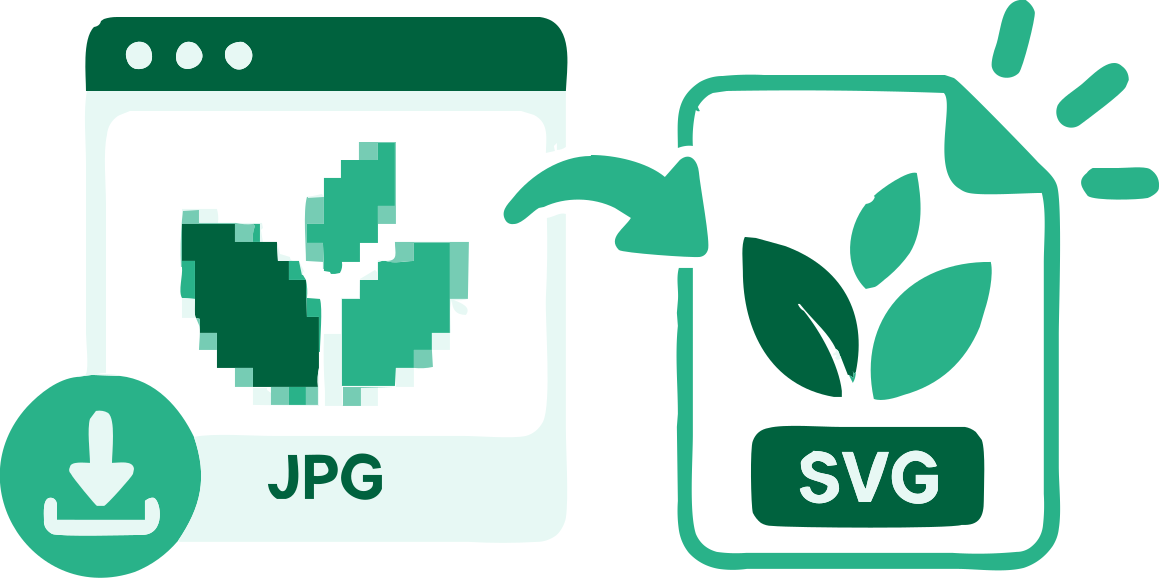
A logo-to-SVG trace reconstructs the visible mark as vector paths. It can scale and be recolored, but it cannot restore the original design file, font, or exact brand geometry.
Start from the largest clean logo available. Flat fills and distinct edges usually need fewer paths than a compressed screenshot or a tiny social-media avatar.
Text in a raster wordmark becomes shapes, not editable text. Check letter counters and small gaps at the size where the logo will be used.
If you need a broader vector file explanation, see Logo to Vector. VectorizeThis exports SVG only.
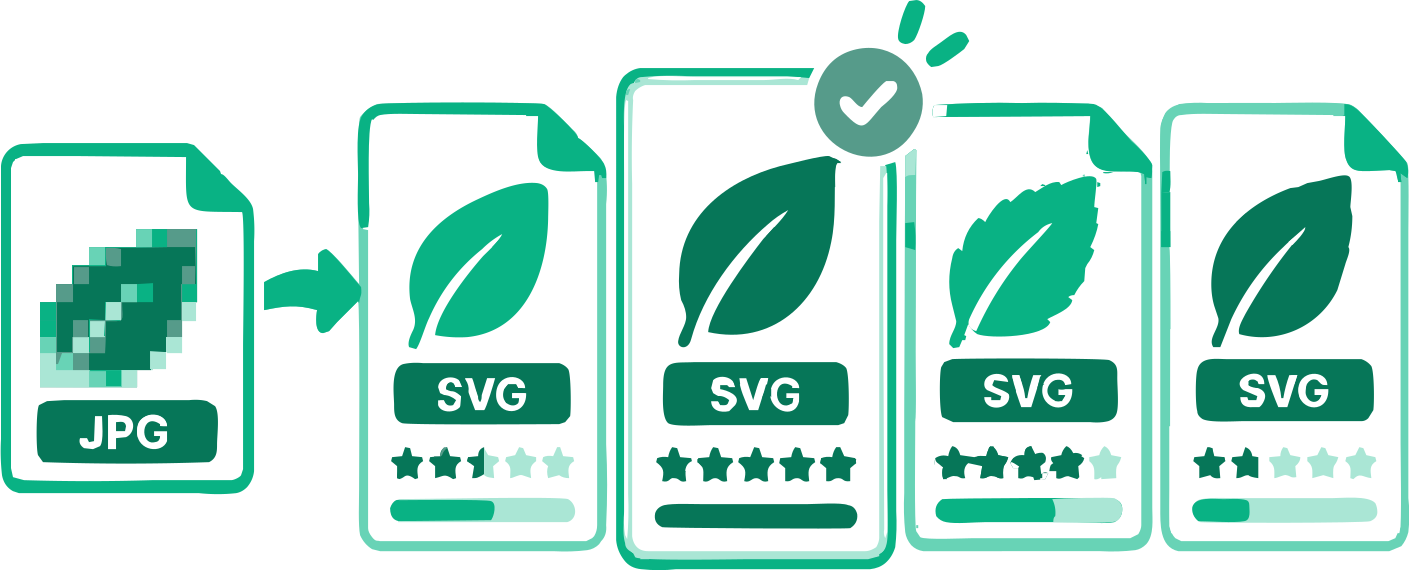
The palette step counts visible SVG paints, including white and excluding transparency. A single palette or result skips the extra step. Click to apply a choice; keyboard arrows highlight it and Enter confirms. Change choice reopens the comparison. Broad grayscale and opacity regions can remain separate paints rather than becoming one binary mask.
See the settings reference for threshold, smoothing, circles, cropping and source-aligned zoom.
Select or drag up to 100 logo images into the converter. Each file may be up to 5 MB and is processed in your browser.
The Logo use case is already selected. Compare the original with the generated SVG and adjust relevant controls if needed.
When offered, choose a color palette and then an SVG result; single choices skip those steps. Compare the previews, adjust relevant settings, and download one SVG or the completed batch.
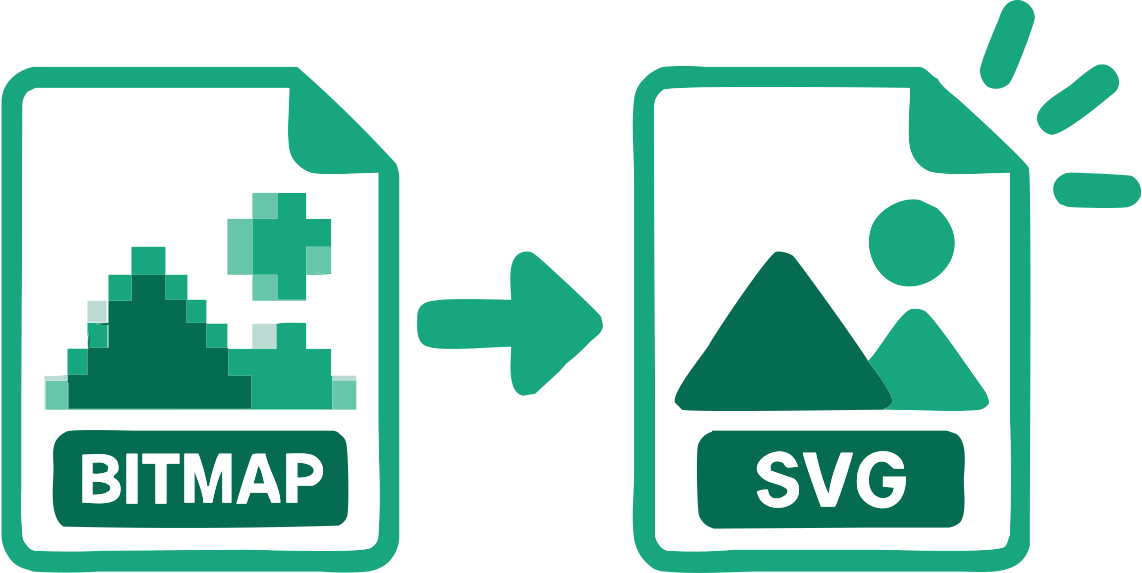
The file contains reconstructed SVG geometry rather than the original bitmap embedded inside an SVG wrapper.
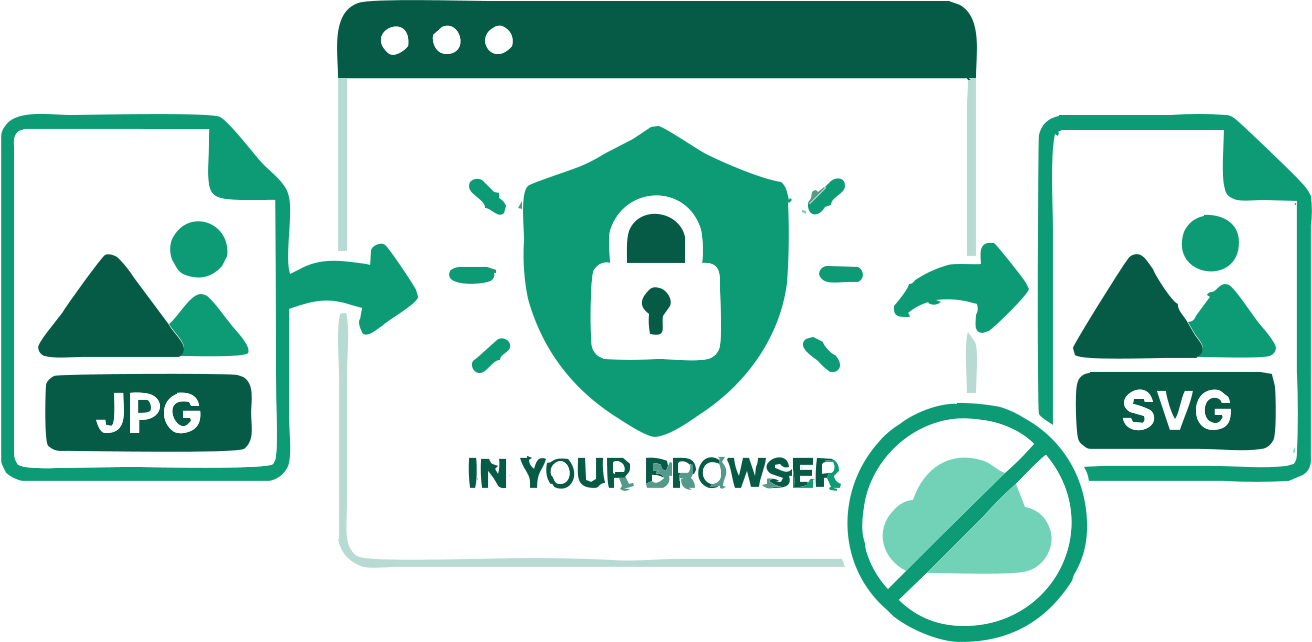
The source images remain in your browser during vectorization.
Monochrome artwork compares six reviewed methods. Color artwork can offer up to four relevant palettes, with distinct SVG results to compare. Photo and Complex Illustration use their dedicated automatic search.
You can inspect the result and change colors or relevant tracing settings.
A suitable outer background can be detected and removed when needed.
Process several images, check each result, and download the completed SVGs together.
Practical answers about tracing, image quality, SVG paths, and downloading the result.
Add a PNG, JPG, WebP, AVIF, or BMP logo above. Logo mode is preselected; compare the trace and download the SVG.
Yes. You can trace a supported logo and download its SVG without an account or payment.
Yes. VectorizeThis reconstructs visible image regions as SVG paths rather than embedding the source bitmap.
The traced SVG geometry can be rendered at a larger size without enlarging the source pixel grid, but its accuracy depends on the source and trace.
No. Lettering visible in a raster logo is reconstructed as shapes, not restored as font text.
Review the detected swatches and edit them when available. For exact brand colors, compare against the original brand guide.
Yes. You can use the converter and download the SVG without an account or payment.
Conversion happens locally. An image is sent only if you deliberately attach it to a feedback form and submit it.
Yes. You can use available color controls, copy the markup, or open the downloaded paths in a compatible vector editor.
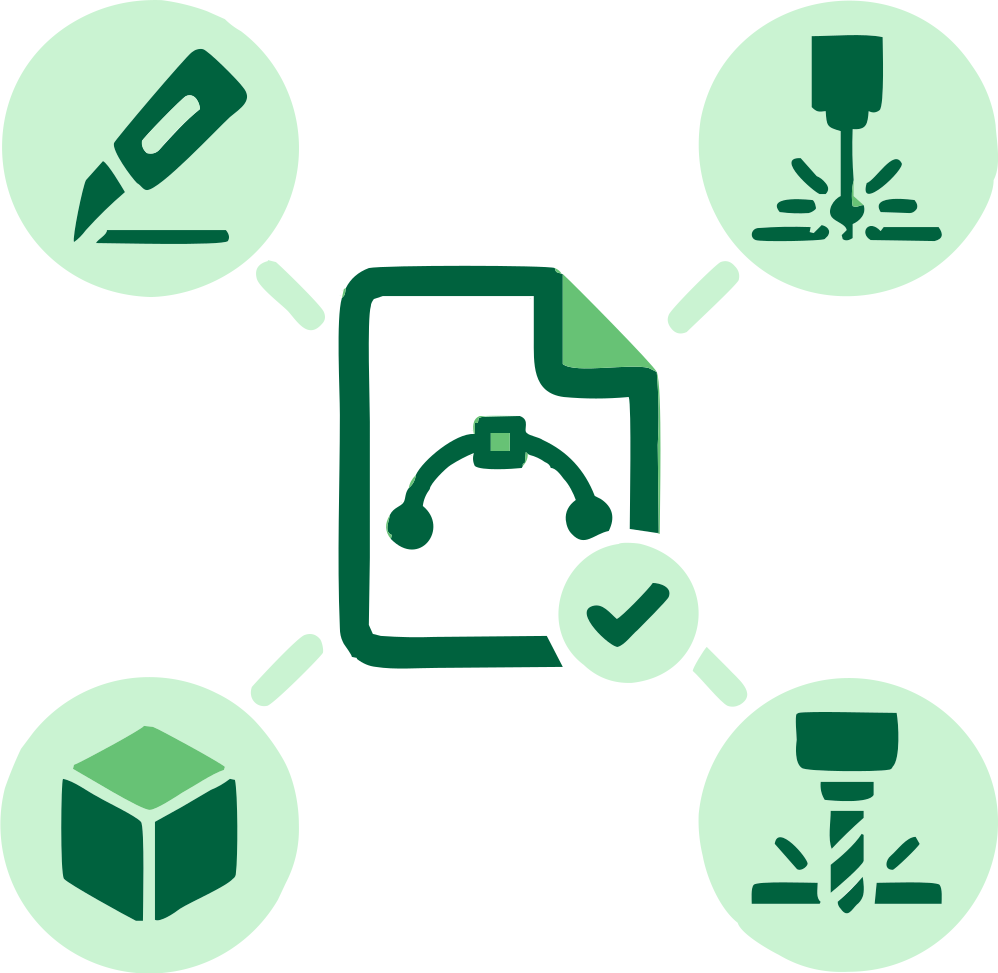
Prepare a scalable logo for responsive layouts.
Provide editable outlines to a compatible print workflow after checking the result.
Trace several raster versions and compare the SVG outputs.
17 converters
Choose a converter for your image format or workflow. Every tool creates editable SVG paths in your browser.
Add an image above and inspect the traced SVG before downloading.
Logo to SVG Converter