Waiting
Analyzing image…
Advanced settings
SSIMSSIM Regret
Free browser-based JPEG vectorizer
Turn a JPEG or JPG into editable SVG paths without sending it to a conversion server. VectorizeThis traces the image in your browser and prepares the result for web, design, craft, or fabrication work.
PNG, JPG/JPEG, WebP, AVIF, or BMP · up to 100 images · 5 MB each
Preparing vectorizer…
Step 2
We’ll adapt tracing, scoring, cleanup, and SVG preparation automatically.
Analyzing image…
Yes, by tracing the JPEG and rebuilding its visible regions as SVG paths. VectorizeThis creates vector geometry instead of placing the original photograph or graphic inside an SVG wrapper. The result is editable, but its quality and complexity depend on the source image.
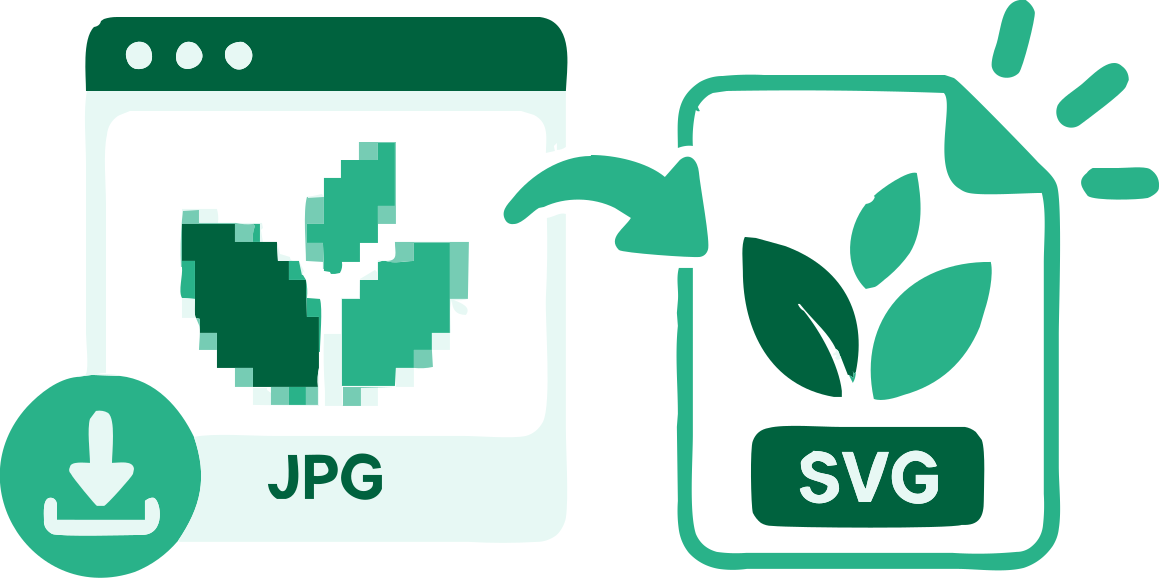
JPEG stores an image as compressed pixels. SVG stores paths, fills, and coordinates. VectorizeThis identifies visible regions in the raster image, follows their edges, and reconstructs them as SVG geometry that compatible vector software can edit and redraw at different sizes.
Changing .jpg or .jpeg to .svg in a filename does not create vectors. An SVG can also contain an embedded JPEG, but that still leaves the original pixel grid inside the file. This converter performs image tracing so the output contains paths.
JPEG is designed for compact photographic images and uses lossy compression. That compression may introduce small blocks, halos, or subtle color shifts near an edge. They can be hard to notice at normal size, yet a tracer may read them as separate regions and produce extra paths.
Use the cleanest and least-compressed source you have. If the graphic began as a logo or illustration, the original SVG, PDF, or design file will usually be a better source than a JPEG copy. Tracing is useful when that source no longer exists.
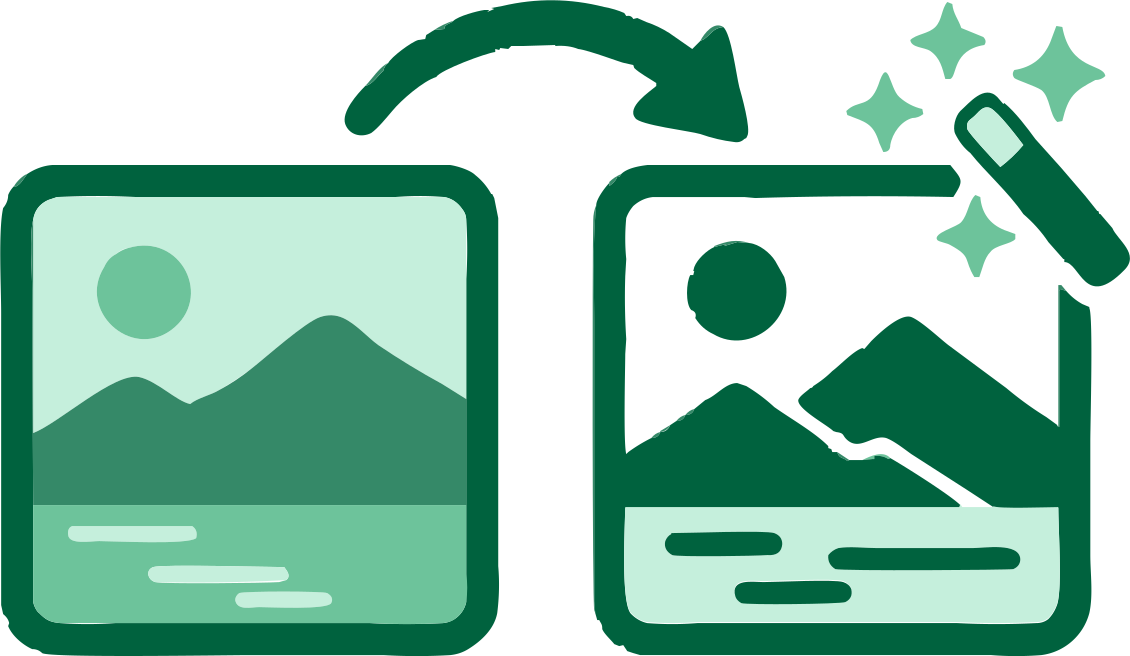
A high-contrast logo or scanned line drawing often converts into a compact group of paths. A photograph contains continuous changes in light and color, so its vector version usually needs many filled regions. Reducing the color count can simplify it, but also changes the appearance.
Select the use case that matches the result you need. The Photo and Complex Illustration options preserve more visual information, while Logo and fabrication uses favor clearer regions and manageable geometry.
JPEG does not store an alpha channel. A white, black, or colored backdrop is part of the image pixels and will normally become vector geometry. VectorizeThis can detect a sufficiently uniform outer region and offer a background-removal control when the boundary is clear enough.
Compare the source and SVG previews after removal. Compression around the subject may leave pale fringe colors, while light foreground details can resemble a white background. The original JPEG remains unchanged, so you can adjust the setting and trace it again.
Select or drag up to 100 JPEG images into the converter. Each file is decoded and processed in your browser.
Select Logo, Web, Photo, Cricut, laser cutting, or another use. This tells VectorizeThis how to trace, prepare, and check the SVG.
Compare the source with the SVG preview, adjust the useful settings, then copy the markup or download one file or the complete batch.
VectorizeThis reconstructs the visible artwork as vector geometry instead of embedding the JPEG inside an SVG file.
Your JPEG and generated SVG remain on your device during conversion.
The converter compares suitable trace candidates and keeps the strongest result it finds for each image.
Logos, photos, web graphics, and cutting files have different requirements. Your use-case choice changes the preparation and checks.
JPEG has no alpha transparency, so VectorizeThis detects whether an outer background can be kept or removed safely.
Process up to 100 JPEG files, refine each result separately, and download the finished SVG files together.
Answers to common questions about tracing JPEG and JPG pixels into editable SVG paths.
Add a JPEG or JPG above, choose its intended use, and let VectorizeThis trace the visible regions into SVG paths. Review both previews before copying the markup or downloading the file.
Yes. The VectorizeThis JPEG to SVG converter is free and does not require an account or payment to download the result.
Yes. VectorizeThis reconstructs the image as SVG path geometry rather than embedding the source JPEG in an SVG container.
Yes. Files ending in `.jpg` and `.jpeg` use the same image format, and VectorizeThis accepts both extensions.
Logos, icons, scans, line art, silhouettes, and flat graphics with clear edges usually trace best. A lightly compressed source with few colors tends to produce simpler paths.
JPEG compression can add faint blocks, ringing, or color changes around edges. A tracer may interpret those variations as shapes, especially in a heavily compressed or repeatedly saved file.
Yes, but the result becomes a layered vector interpretation of the photo. Gradients, texture, sensor noise, and soft shadows can create many paths and a posterized appearance.
It can remove a sufficiently uniform connected background when detection is reliable. JPEG itself cannot store transparency, so inspect pale edges and foreground details carefully after removal.
Trace a clear logo copy into editable shapes when the original vector file is unavailable.
Use color layers to turn a photograph into an illustration-like SVG rather than trying to reproduce every pixel.
Convert high-contrast artwork into geometry and review the fabrication checks before using it with compatible software.
Add a JPEG or JPG above, select its intended use, and review the traced vector in your browser.
Convert JPEG to SVG